
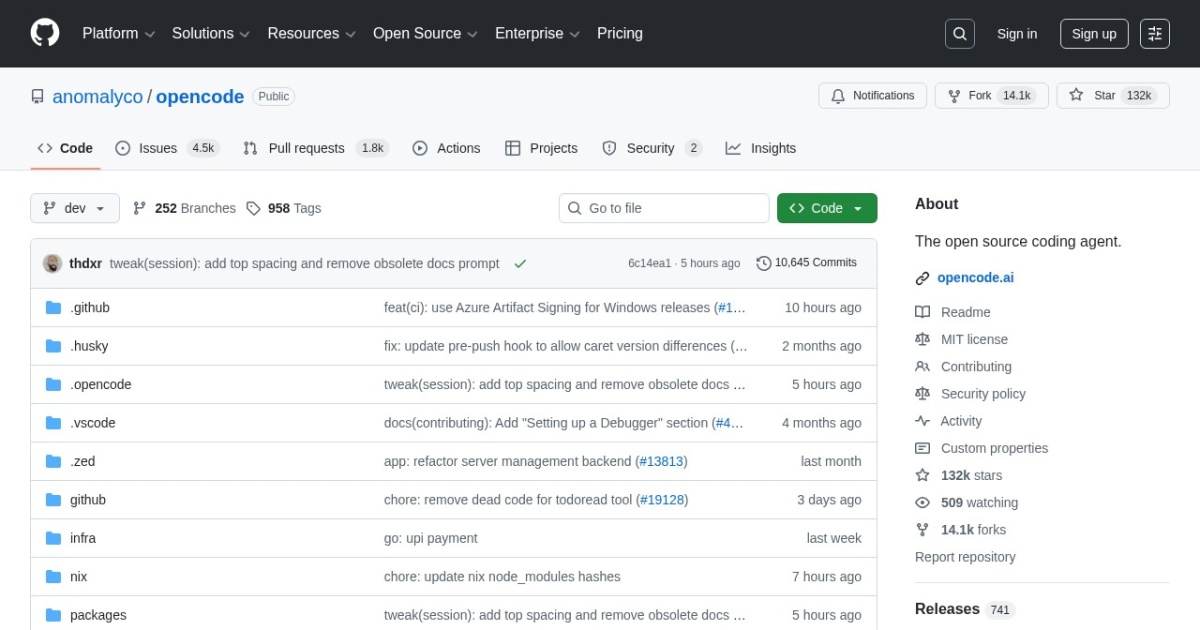
OpenCode alternatives
Open-source AI coding agent for terminal-first workflows with local repository control.
This OpenCode alternatives guide compares pricing, strengths, tradeoffs, and related options.
OpenCode is a practical option for developers who want an open, terminal-native coding agent that can plan and apply changes inside real repositories.
Official site: https://github.com/sst/opencode
Company YouTube: No official company YouTube channel found during official-page review.
At a glance
| Pricing model | Free |
|---|---|
| Page type | Open-source project |
| Model source | 3rd-party models |
| Price range | Free (open-source) |
| Model last update | 2026-01-01 (official GitHub releases page: OpenCode v1.0.223 latest release). |
| Best for | Terminal-first coding workflows, Open developer-agent setups |
| Categories | For Solopreneurs , For Small Business , Free AI Tools , Automation , Developers |
Top alternatives
- Aider : Terminal-based AI pair programming tool for multi-file edits in git repositories.
- Cline : Open-source coding agent extension for VS Code with terminal and tool-use workflows.
- Roo Code : Agentic coding extension for VS Code (formerly Roo Cline) focused on practical, controllable development workflows.
- Goose : Open-source local engineering agent for code edits, terminal tasks, and tool-driven workflows.
- Continue : Open-source AI coding assistant extension for VS Code and JetBrains with local model support.
- GitHub Copilot : AI coding assistant in VS Code, JetBrains, and GitHub workflows.
- Cursor : AI-first code editor for multi-file edits, refactors, and agentic coding tasks.
- Windsurf : AI coding IDE focused on flow-state development and agent-assisted implementation.
- Amazon Q Developer CLI : Terminal-first AI coding assistant for command-line workflows and cloud-oriented engineering tasks.
- JetBrains Junie : AI coding agent integrated into JetBrains IDE workflows.
- Replit Agent : Hosted coding agent for building, iterating, and deploying apps inside a browser IDE workflow.
- Codex : AI coding agent for implementation, refactoring, and broader computer-use developer workflows.
Notes
OpenCode is a strong fit for developers who want open, controllable AI coding workflows without vendor lock-in.
Comparison table
| Tool | Pricing | Page type | Model source | Price range | Pros | Cons |
|---|---|---|---|---|---|---|
| OpenCode | Free | Open-source project | 3rd-party models | Free (open-source) | Open-source and auditable workflow; Terminal-first UX for fast engineering loops | Requires technical setup and model credentials; Output quality varies by model choice |
| Aider | Free | Model family | 3rd-party models | Free | Fast for terminal-first engineering workflows; Works directly with local git repos | CLI workflow has learning curve; Requires model/key setup for best results |
| Cline | Free | Open-source project | 3rd-party models | Free | Open-source and transparent workflow; Strong tool-use and terminal integration | Requires technical setup and model configuration; Output quality depends on chosen model |
| Roo Code | Freemium | Product/service | 3rd-party models | $0/mo + usage credits to $99/mo + usage credits | Free local VS Code extension with bring-your-own-model flexibility; Strong agent workflow support with controllable modes and tool access | Usage credits can add up on heavier cloud-agent runs; Best experience depends on model choice and provider setup |
| Goose | Free | Open-source project | 3rd-party models | Free (open-source) | Open-source local-first workflow with good repository control; Strong terminal and tool execution model for engineering tasks | Setup is more technical than hosted IDE copilots; Model quality and latency depend on your provider choice |
| Continue | Free | Open-source project | 3rd-party models | Free | Open-source with local and cloud model flexibility; Works in popular IDE ecosystems | Setup can be heavier than turnkey SaaS tools; Configuration quality affects day-to-day experience |
| GitHub Copilot | Subscription | Open-source project | Mixed | $10-$39+/mo | Tight IDE integration and low setup overhead; Strong autocomplete and chat-assistant workflow | Quality varies by prompt clarity and code context; Subscription cost adds up for larger teams |
| Cursor | Subscription | Product/service | 3rd-party models | Free-$40+/mo | Strong multi-file and repo-aware editing workflow; Fast for implementation and refactoring tasks | Requires prompt discipline and code review; Feature behavior may vary by model routing |
| Windsurf | Subscription | Product/service | 3rd-party models | Free-$35+/mo | Smooth AI-first coding workflow; Useful for rapid prototypes and feature implementation | Final code quality still needs manual validation; Some advanced features are plan-limited |
| Amazon Q Developer CLI | Freemium | Product/service | 3rd-party models | Free or $19/user/mo (Pro) | Strong fit for developers already working in AWS and the terminal; Free tier is available for low-volume CLI and IDE use | Best value is strongest inside AWS-oriented workflows; Some advanced transformation usage can create overage charges |
| JetBrains Junie | Freemium | Product/service | 3rd-party models | Free trial to $60/user/mo + optional top-up credits | Deep integration inside JetBrains IDE workflows; Works well for teams already standardized on JetBrains tooling | Best experience depends on JetBrains AI quota tier; Less attractive if your team is not already committed to JetBrains IDEs |
| Replit Agent | Freemium | Product/service | Mixed | Free-$40+/mo | End-to-end build workflow in one platform; Fast prototyping with lower infrastructure setup overhead | Cost can rise with sustained agent and compute usage; Less infrastructure control than self-hosted development setups |
| Codex | Freemium | Product/service | Own models | Free/Go plans; ChatGPT Pro $200/mo; Team $25-$30/user/mo; API usage-based | Strong support for implementation, refactoring, and longer agent loops; Useful for speeding up repetitive coding tasks | Output still requires human review and testing; Quality still depends heavily on task framing and repository context |
Internal links
Related best pages
- Best AI Tools for Developers 2026
- Best AI Website Generators
- Best AI Automation Tools
- Best Free LLMs for Solopreneurs