
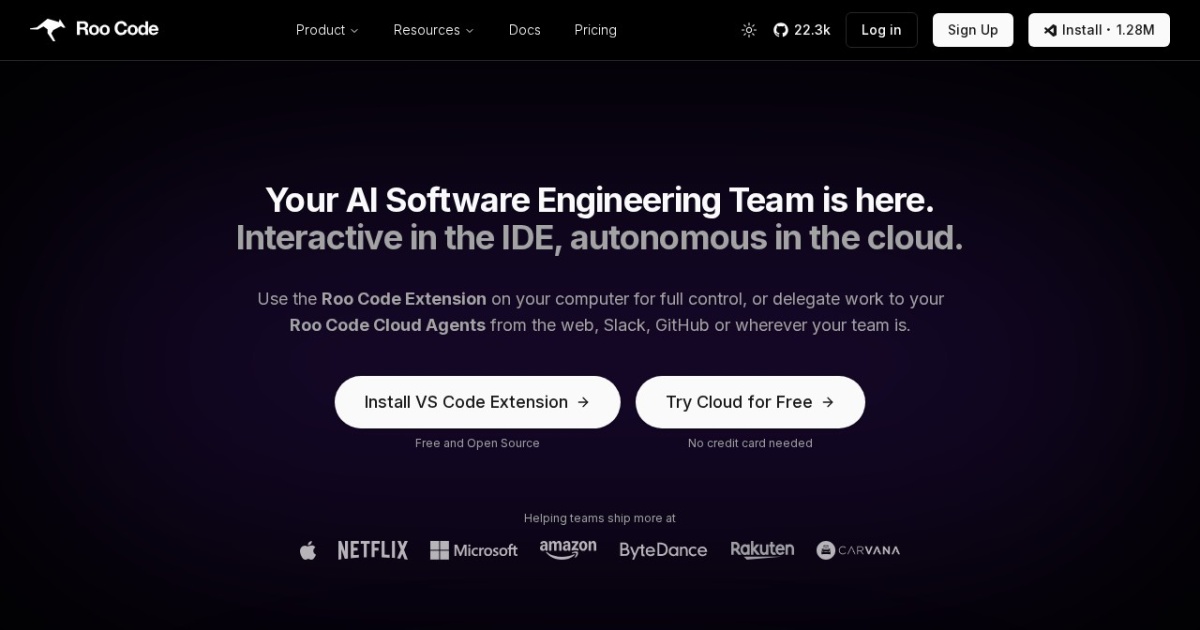
Roo Code alternatives
Agentic coding extension for VS Code (formerly Roo Cline) focused on practical, controllable development workflows.
This Roo Code alternatives guide compares pricing, strengths, tradeoffs, and related options.
Roo Code (formerly Roo Cline) is included because it supports practical VS Code-native agent workflows for coding, refactoring, and day-to-day development tasks.
Official site: https://roocode.com/
Company YouTube: No official company YouTube channel found during official-page review.
At a glance
| Pricing model | Freemium |
|---|---|
| Page type | Product/service |
| Model source | 3rd-party models |
| Price range | $0/mo + usage credits to $99/mo + usage credits |
| Model last update | 2026-01-13 (official GitHub releases page: Roo Code v3.40.1 latest release). |
| Best for | VS Code agent workflows with local or cloud execution, Day-to-day coding acceleration, Teams that want centralized cloud-agent controls |
| Categories | For Small Business , Free AI Tools , Automation , Developers |
Top alternatives
- OpenCode : Open-source AI coding agent for terminal-first workflows with local repository control.
- Cline : Open-source coding agent extension for VS Code with terminal and tool-use workflows.
- Goose : Open-source local engineering agent for code edits, terminal tasks, and tool-driven workflows.
- Aider : Terminal-based AI pair programming tool for multi-file edits in git repositories.
- Amazon Q Developer CLI : Terminal-first AI coding assistant for command-line workflows and cloud-oriented engineering tasks.
- JetBrains Junie : AI coding agent integrated into JetBrains IDE workflows.
Notes
Roo Code is a practical option for users who want a free local coding agent in VS Code, with an upgrade path to managed cloud agents and team controls.
Comparison table
| Tool | Pricing | Page type | Model source | Price range | Pros | Cons |
|---|---|---|---|---|---|---|
| Roo Code | Freemium | Product/service | 3rd-party models | $0/mo + usage credits to $99/mo + usage credits | Free local VS Code extension with bring-your-own-model flexibility; Strong agent workflow support with controllable modes and tool access | Usage credits can add up on heavier cloud-agent runs; Best experience depends on model choice and provider setup |
| OpenCode | Free | Open-source project | 3rd-party models | Free (open-source) | Open-source and auditable workflow; Terminal-first UX for fast engineering loops | Requires technical setup and model credentials; Output quality varies by model choice |
| Cline | Free | Open-source project | 3rd-party models | Free | Open-source and transparent workflow; Strong tool-use and terminal integration | Requires technical setup and model configuration; Output quality depends on chosen model |
| Goose | Free | Open-source project | 3rd-party models | Free (open-source) | Open-source local-first workflow with good repository control; Strong terminal and tool execution model for engineering tasks | Setup is more technical than hosted IDE copilots; Model quality and latency depend on your provider choice |
| Aider | Free | Model family | 3rd-party models | Free | Fast for terminal-first engineering workflows; Works directly with local git repos | CLI workflow has learning curve; Requires model/key setup for best results |
| Amazon Q Developer CLI | Freemium | Product/service | 3rd-party models | Free or $19/user/mo (Pro) | Strong fit for developers already working in AWS and the terminal; Free tier is available for low-volume CLI and IDE use | Best value is strongest inside AWS-oriented workflows; Some advanced transformation usage can create overage charges |
| JetBrains Junie | Freemium | Product/service | 3rd-party models | Free trial to $60/user/mo + optional top-up credits | Deep integration inside JetBrains IDE workflows; Works well for teams already standardized on JetBrains tooling | Best experience depends on JetBrains AI quota tier; Less attractive if your team is not already committed to JetBrains IDEs |