
Aider alternatives
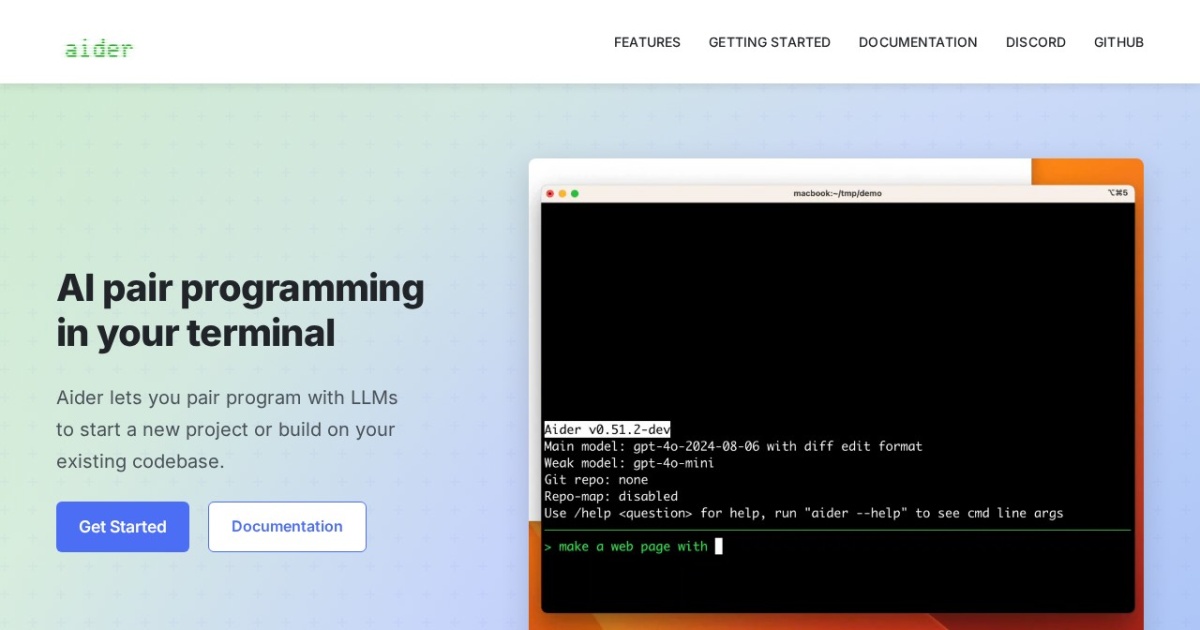
Terminal-based AI pair programming tool for multi-file edits in git repositories.
This Aider alternatives guide compares pricing, strengths, tradeoffs, and related options.
Aider is a practical terminal-first coding assistant for developers who want AI edits directly in local repositories with git workflows.
Official site: https://aider.chat/
Company YouTube: No official company YouTube channel found during official-page review.
At a glance
| Pricing model | Free |
|---|---|
| Page type | Model family |
| Model source | 3rd-party models |
| Price range | Free |
| Model last update | 2026-04-04 (official Aider GitHub releases: v0.81.0 latest release before April 11, 2026). |
| Best for | Git-centric developer workflows, Engineers preferring terminal tooling |
| Categories | For Solopreneurs , For Small Business , Free AI Tools , Automation , Developers |
Top alternatives
- OpenCode : Open-source AI coding agent for terminal-first workflows with local repository control.
- Cline : Open-source coding agent extension for VS Code with terminal and tool-use workflows.
- Goose : Open-source local engineering agent for code edits, terminal tasks, and tool-driven workflows.
- GitHub Copilot : AI coding assistant in VS Code, JetBrains, and GitHub workflows.
Notes
Aider is a strong fit for developers who prefer local, git-native, terminal-driven AI coding workflows.
Comparison table
| Tool | Pricing | Page type | Model source | Price range | Pros | Cons |
|---|---|---|---|---|---|---|
| Aider | Free | Model family | 3rd-party models | Free | Fast for terminal-first engineering workflows; Works directly with local git repos | CLI workflow has learning curve; Requires model/key setup for best results |
| OpenCode | Free | Open-source project | 3rd-party models | Free (open-source) | Open-source and auditable workflow; Terminal-first UX for fast engineering loops | Requires technical setup and model credentials; Output quality varies by model choice |
| Cline | Free | Open-source project | 3rd-party models | Free | Open-source and transparent workflow; Strong tool-use and terminal integration | Requires technical setup and model configuration; Output quality depends on chosen model |
| Goose | Free | Open-source project | 3rd-party models | Free (open-source) | Open-source local-first workflow with good repository control; Strong terminal and tool execution model for engineering tasks | Setup is more technical than hosted IDE copilots; Model quality and latency depend on your provider choice |
| GitHub Copilot | Subscription | Open-source project | Mixed | $10-$39+/mo | Tight IDE integration and low setup overhead; Strong autocomplete and chat-assistant workflow | Quality varies by prompt clarity and code context; Subscription cost adds up for larger teams |
Internal links
Related best pages
- Best AI Tools for Developers 2026
- Best AI Website Generators
- Best AI Automation Tools
- Best Free LLMs for Solopreneurs