
GitHub Copilot alternatives
AI coding assistant in VS Code, JetBrains, and GitHub workflows.
This GitHub Copilot alternatives guide compares pricing, strengths, tradeoffs, and related options.
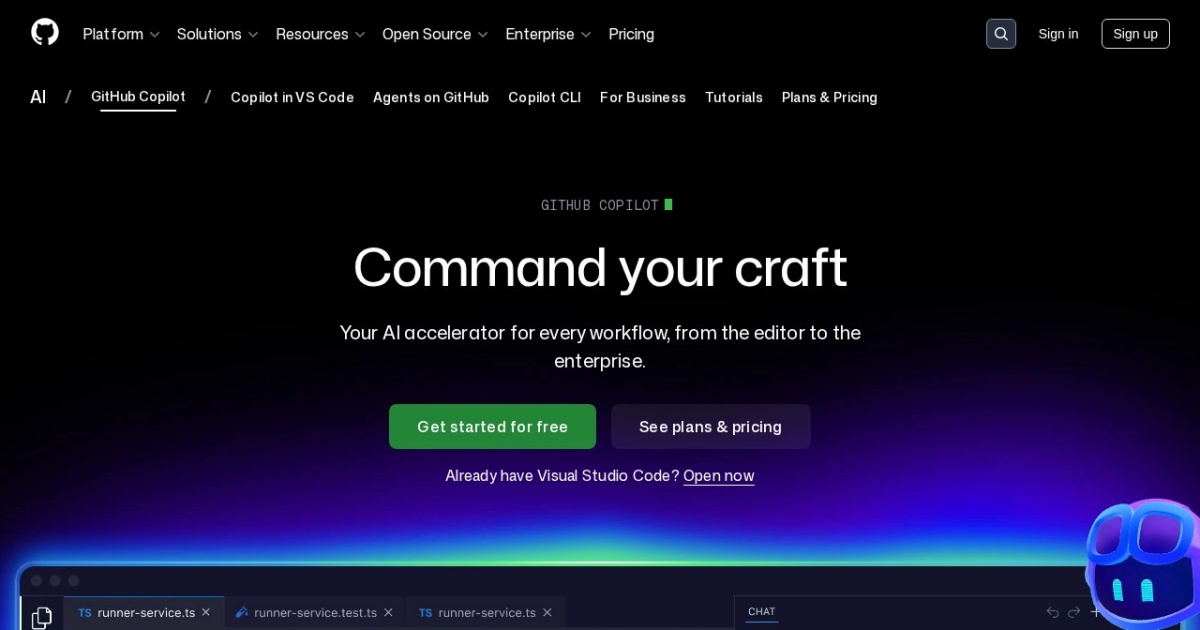
GitHub Copilot helps developers generate code, explain changes, and speed up repetitive engineering tasks inside existing IDE workflows.
Official site: https://github.com/features/copilot
Company YouTube: https://www.youtube.com/github
At a glance
| Pricing model | Subscription |
|---|---|
| Page type | Open-source project |
| Model source | Mixed |
| Price range | $10-$39+/mo |
| Model last update | 2026-04-08 (official GitHub changelog: Copilot in Visual Studio Code March releases). |
| Best for | Day-to-day coding acceleration, Pair-programming style AI assistance |
| Categories | For Solopreneurs , For Small Business , Automation , Developers |
Top alternatives
Notes
GitHub Copilot is a practical default for developers who want AI coding support directly inside existing toolchains.
Comparison table
| Tool | Pricing | Page type | Model source | Price range | Pros | Cons |
|---|---|---|---|---|---|---|
| GitHub Copilot | Subscription | Open-source project | Mixed | $10-$39+/mo | Tight IDE integration and low setup overhead; Strong autocomplete and chat-assistant workflow | Quality varies by prompt clarity and code context; Subscription cost adds up for larger teams |
| Cursor | Subscription | Product/service | 3rd-party models | Free-$40+/mo | Strong multi-file and repo-aware editing workflow; Fast for implementation and refactoring tasks | Requires prompt discipline and code review; Feature behavior may vary by model routing |
| Windsurf | Subscription | Product/service | 3rd-party models | Free-$35+/mo | Smooth AI-first coding workflow; Useful for rapid prototypes and feature implementation | Final code quality still needs manual validation; Some advanced features are plan-limited |
| Cline | Free | Open-source project | 3rd-party models | Free | Open-source and transparent workflow; Strong tool-use and terminal integration | Requires technical setup and model configuration; Output quality depends on chosen model |
Internal links
Related best pages
- Best AI Tools for Developers 2026
- Best AI Website Generators
- Best AI Automation Tools
- Best Free LLMs for Solopreneurs