
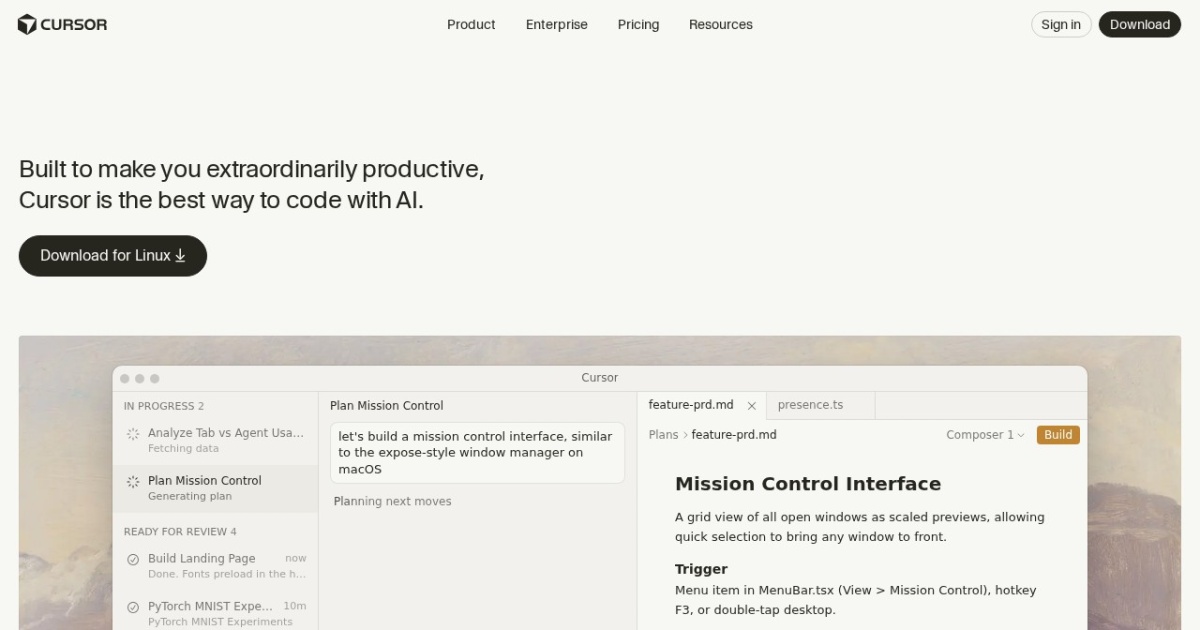
Cursor alternatives
AI-first code editor for multi-file edits, refactors, and agentic coding tasks.
This Cursor alternatives guide compares pricing, strengths, tradeoffs, and related options.
Cursor is designed for developers who want an AI-native IDE with project-level context and faster implementation loops.
Official site: https://cursor.com/
Company YouTube: https://www.youtube.com/@cursor_ai
At a glance
| Pricing model | Subscription |
|---|---|
| Page type | Product/service |
| Model source | 3rd-party models |
| Price range | Free-$40+/mo |
| Model last update | 2026-04-08 (official Cursor changelog: Bugbot learned rules and MCP support). |
| Best for | AI-first coding workflows, Startup and solo builder velocity |
| Categories | For Solopreneurs , For Small Business , Automation , Developers |
Top alternatives
- GitHub Copilot : AI coding assistant in VS Code, JetBrains, and GitHub workflows.
- Windsurf : AI coding IDE focused on flow-state development and agent-assisted implementation.
- Cline : Open-source coding agent extension for VS Code with terminal and tool-use workflows.
Notes
Cursor is a strong choice when you want AI to handle larger coding chunks beyond autocomplete.
Comparison table
| Tool | Pricing | Page type | Model source | Price range | Pros | Cons |
|---|---|---|---|---|---|---|
| Cursor | Subscription | Product/service | 3rd-party models | Free-$40+/mo | Strong multi-file and repo-aware editing workflow; Fast for implementation and refactoring tasks | Requires prompt discipline and code review; Feature behavior may vary by model routing |
| GitHub Copilot | Subscription | Open-source project | Mixed | $10-$39+/mo | Tight IDE integration and low setup overhead; Strong autocomplete and chat-assistant workflow | Quality varies by prompt clarity and code context; Subscription cost adds up for larger teams |
| Windsurf | Subscription | Product/service | 3rd-party models | Free-$35+/mo | Smooth AI-first coding workflow; Useful for rapid prototypes and feature implementation | Final code quality still needs manual validation; Some advanced features are plan-limited |
| Cline | Free | Open-source project | 3rd-party models | Free | Open-source and transparent workflow; Strong tool-use and terminal integration | Requires technical setup and model configuration; Output quality depends on chosen model |
Internal links
Related best pages
- Best AI Tools for Developers 2026
- Best AI Website Generators
- Best AI Automation Tools
- Best Free LLMs for Solopreneurs