
LivePortrait alternatives
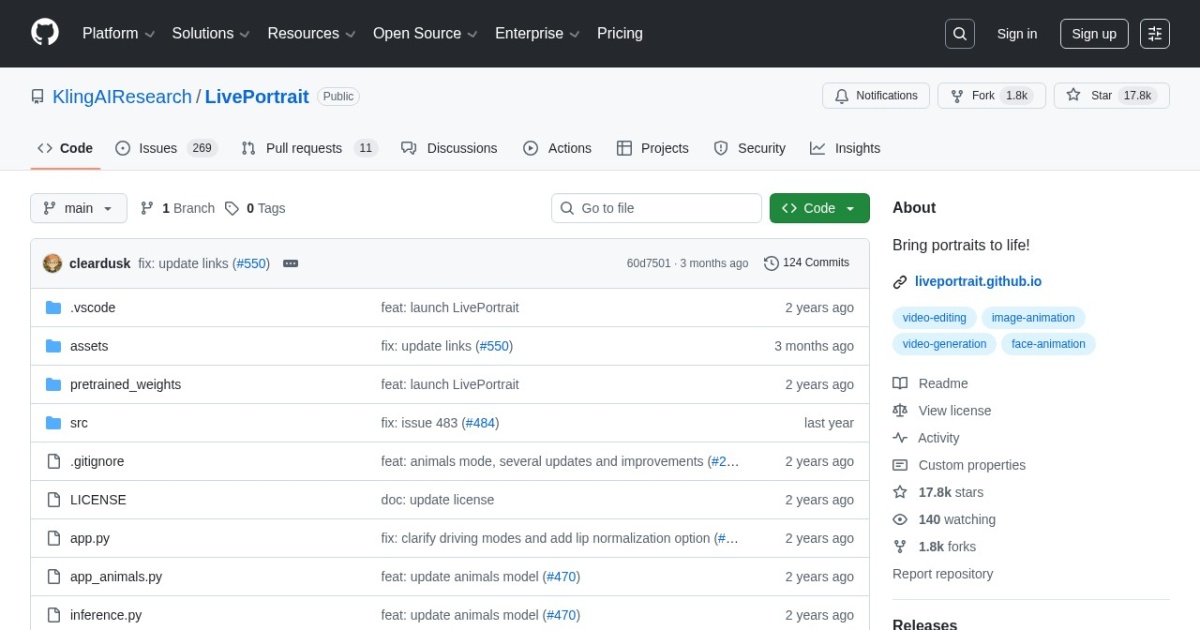
Open-source local portrait animation tool that turns a single image into a talking video.
This LivePortrait alternatives guide compares pricing, strengths, tradeoffs, and related options.
LivePortrait is included in this directory as a local-first option for creators who want avatar-style motion generation without a paid cloud subscription.
Official site: https://github.com/KwaiVGI/LivePortrait
Company YouTube: No official company YouTube channel found during official-page review.
At a glance
| Pricing model | Free |
|---|---|
| Page type | Open-source project |
| Model source | 3rd-party models |
| Price range | Free (open-source) |
| Best for | Local avatar animation workflows |
| Categories | For Creators , For Solopreneurs , For Small Business , Video , Virtual Avatars , Free AI Tools , Local LLMs |
Top alternatives
- ComfyUI : Node-based image and video workflow builder for local and cloud generation pipelines.
- Wav2Lip : Open-source lip-sync model for syncing speech to an existing face video or portrait clip.
- VideoReTalking : Open-source talking-head editing stack for re-syncing, re-voicing, and expression-aware face video edits.
- Hallo : Open-source portrait animation model for higher-fidelity talking-head generation from one image and driving audio.
- EchoMimic : Open-source audio-driven portrait animation framework with editable landmark control and newer multimodal animation branches.
- MuseTalk : Open-source real-time lip-sync framework for talking avatar and portrait video workflows.
- LatentSync : Open-source lip-sync framework for generating talking portrait videos from audio and face inputs.
- SadTalker : Open-source audio-driven talking-face generator for creating avatar-style clips from still portraits.
- HeyGen : Avatar and talking-head video generator for quick production.
- D-ID : AI avatar and talking-head video platform for explainers, campaigns, and influencer-style content.
Notes
LivePortrait is a strong local option for teams that prefer open-source control over hosted avatar tooling. For a full workflow, see the virtual talking avatars tutorial.
Comparison table
| Tool | Pricing | Page type | Model source | Price range | Pros | Cons |
|---|---|---|---|---|---|---|
| LivePortrait | Free | Open-source project | 3rd-party models | Free (open-source) | Free to use with local execution; Good control for image-to-video avatar experiments | Setup and dependency management can be technical; Quality varies with source image and driving signal |
| ComfyUI | Free | Open-source project | 3rd-party models | Free (open-source) | Full control over generation workflows and model stack; Great for reusable templates and batch processing | Learning curve is higher than prompt-only tools; Workflow debugging can take time on complex graphs |
| Wav2Lip | Free | Open-source project | 3rd-party models | Free (open-source) | Strong baseline lip-sync quality for an older open model; Works on existing face videos rather than only single-image animation | Open release is older and less polished than newer avatar stacks; License posture is less friendly for commercial productization than Apache or MIT options |
| VideoReTalking | Free | Open-source project | 3rd-party models | Free (open-source) | Better fit for editing existing talking-head footage than single-image avatar tools; Apache-2.0 is cleaner for commercial evaluation than many research-only releases | More moving parts than simpler lip-sync scripts; Setup is still technical compared with hosted avatar products |
| Hallo | Free | Open-source project | 3rd-party models | Free (open-source) | Stronger portrait-animation quality target than basic lip-sync baselines; MIT license is relatively simple for commercial review | Heavier runtime and setup requirements than smaller lip-sync tools; Input prep is stricter than quick hosted avatar tools |
| EchoMimic | Free | Open-source project | 3rd-party models | Free (open-source) | More controllable portrait animation than simple mouth-sync baselines; Apache-2.0 is easier to review than restrictive research-only terms | More experimental workflow than mainstream hosted avatar tools; Hardware needs can be substantial for comfortable iteration |
| MuseTalk | Free | Open-source project | 3rd-party models | Free (open-source) | Free local workflow with no per-render subscription fee; Useful baseline for talking portrait generation | Technical installation compared with hosted tools; Generation quality can be inconsistent across inputs |
| LatentSync | Free | Open-source project | 3rd-party models | Free (open-source) | Free local workflow with no per-render subscription fee; Useful baseline for talking portrait generation | Technical installation compared with hosted tools; Generation quality can be inconsistent across inputs |
| SadTalker | Free | Open-source project | 3rd-party models | Free (open-source) | Free local workflow with no per-render subscription fee; Useful baseline for talking portrait generation | Technical installation compared with hosted tools; Generation quality can be inconsistent across inputs |
| HeyGen | Subscription | Product/service | Own models | $29-$299+/mo | Fast setup for solo teams; Useful template support for repeatable workflows | Costs can increase with higher usage; Output quality depends on prompt quality |
| D-ID | Subscription | Product/service | Own models | $5.90-$195.99+/mo | Fast avatar video creation from script or audio; Useful for campaign and explainer workflows | Visual realism and lip-sync quality can vary by scenario; Brand-safe output still needs manual QA |
Internal links
Related best pages
- Best AI Voiceover Tools
- Best AI Tools for YouTube Shorts
- Best AI Video Repurposing Tools
- Best AI Thumbnail Generators