
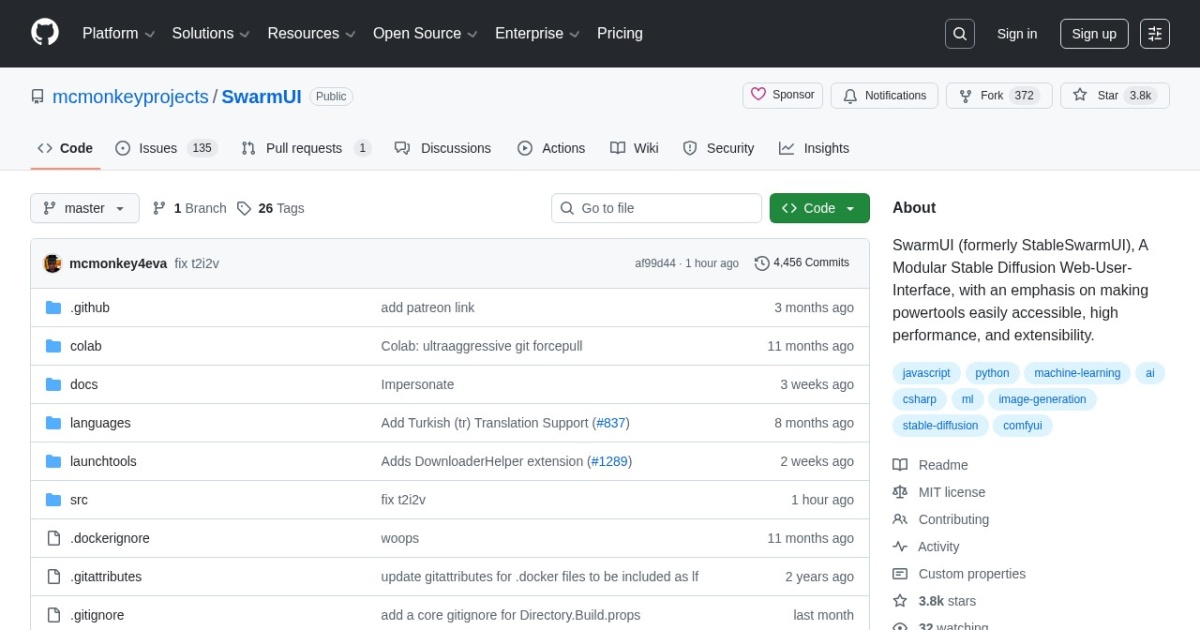
SwarmUI alternatives
Local-first Stable Diffusion UI focused on multi-model orchestration and scalable generation queues.
This SwarmUI alternatives guide compares pricing, strengths, tradeoffs, and related options.
SwarmUI is included because it gives creators and small teams a practical way to run and manage larger local image-generation workloads beyond basic single-run interfaces.
Official site: https://github.com/mcmonkeyprojects/SwarmUI
Company YouTube: No official company YouTube channel found during official-page review.
At a glance
| Pricing model | Free |
|---|---|
| Page type | Open-source project |
| Model source | 3rd-party models |
| Price range | Free (open-source) |
| Supported image resolution | Model-dependent; supports SD/Flux/Qwen Image workflows with native 1024-2048px classes and larger outputs via tiling/upscaling. |
| Best for | Local Stable Diffusion workflows with larger job queues |
| Categories | For Creators , For Solopreneurs , For Small Business , Design , Image Generation , Free AI Tools , Local LLMs |
| ControlNet support |
|
Top alternatives
- ComfyUI : Node-based image and video workflow builder for local and cloud generation pipelines.
- AUTOMATIC1111 : Feature-rich Stable Diffusion WebUI with extensive model, extension, and parameter control.
- Forge : Performance-focused Stable Diffusion WebUI fork designed for practical local generation speed and compatibility.
- Fooocus : Beginner-friendly local Stable Diffusion UI focused on high-quality images with minimal setup.
- InvokeAI : Polished local-first generative image platform with strong workflow UX for Stable Diffusion users.
Notes
SwarmUI is a strong option when you need local SD throughput and queue control, not just one-off generations.
Comparison table
| Tool | Pricing | Page type | Model source | Price range | Resolution | ControlNet | Pros | Cons |
|---|---|---|---|---|---|---|---|---|
| SwarmUI | Free | Open-source project | 3rd-party models | Free (open-source) | Model-dependent; supports SD/Flux/Qwen Image workflows with native 1024-2048px classes and larger outputs via tiling/upscaling. |
| Better queue and batch workflow handling for repeated generation jobs; Good fit for multi-model local setups | Setup and configuration are heavier than simple prompt-first tools; UI and workflow ergonomics can feel technical for beginners |
| ComfyUI | Free | Open-source project | 3rd-party models | Free (open-source) | Model-dependent and workflow-dependent; practical usage ranges from 512 and 1024 native generation to larger tiled, upscale, and video-oriented pipelines. |
| Full control over generation workflows and model stack; Great for reusable templates and batch processing | Learning curve is higher than prompt-only tools; Workflow debugging can take time on complex graphs |
| AUTOMATIC1111 | Free | Open-source project | 3rd-party models | Free (open-source) | Model-dependent; common local workflows range from 512 to 1024 native, with higher resolutions possible through hires and upscale pipelines. |
| Deep control across samplers, models, and generation settings; Large ecosystem of community extensions | UI can feel dense for beginners; Extension compatibility can require maintenance |
| Forge | Free | Open-source project | 3rd-party models | Free (open-source) | Model-dependent; practical local output commonly covers 512 to 1024 native generation, plus larger hires and upscale workflows. |
| Familiar WebUI flow for teams coming from AUTOMATIC1111; Good practical performance for local SD workloads | Still requires local setup and dependency maintenance; Can be complex for non-technical users |
| Fooocus | Free | Open-source project | 3rd-party models | Free (open-source) | Focused on SDXL-style workflows; 1024 native generation is common, with additional upscale and variation paths available. |
| Fast onboarding for local image generation; High-quality defaults for SDXL workflows | Less graph-level control than ComfyUI; Advanced custom pipelines are more limited |
| InvokeAI | Free | Open-source project | 3rd-party models | Free (open-source) | Model-dependent; common local use covers 512 to 1024 native generation, with higher resolutions supported through upscale and iterative workflows. |
| Cleaner interface than many local SD tools; Strong inpainting and iterative editing workflows | Smaller extension ecosystem than AUTOMATIC1111; Some advanced flows still require workflow learning |
Internal links
Related best pages
- Best AI Video Repurposing Tools
- Best AI Thumbnail Generators
- Best AI Tools for YouTube Shorts
- Best Free LLMs for Solopreneurs