
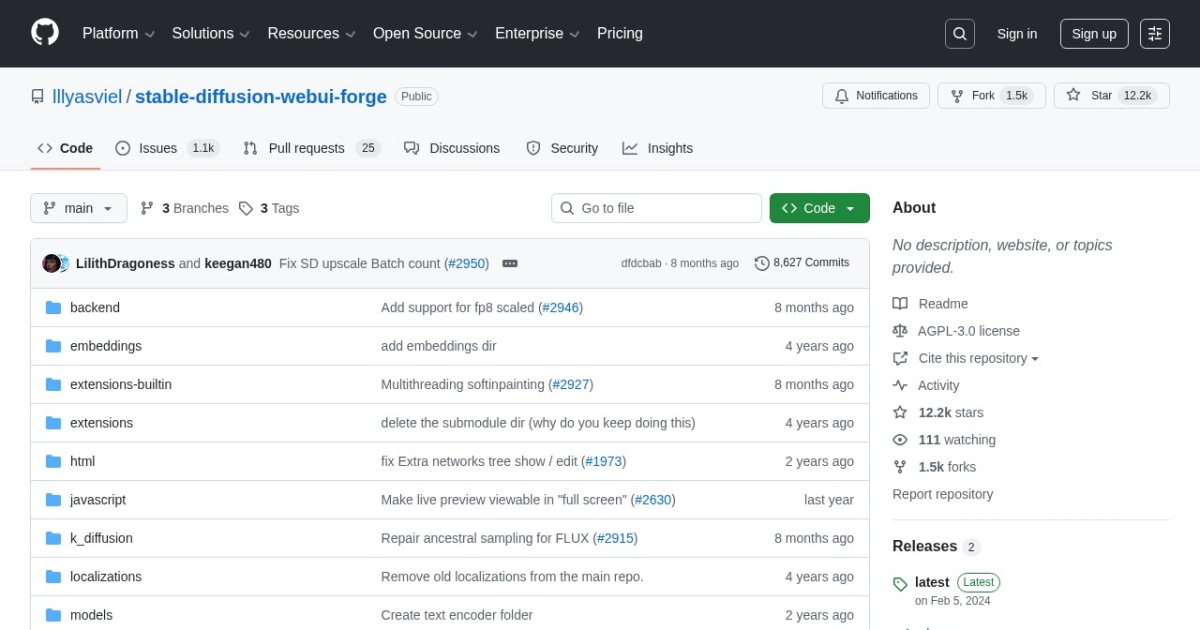
Forge alternatives
Performance-focused Stable Diffusion WebUI fork designed for practical local generation speed and compatibility.
This Forge alternatives guide compares pricing, strengths, tradeoffs, and related options.
Forge is included because many local creators use it as a faster, modernized WebUI path when they want a familiar linear workflow without moving fully into node graphs.
Official site: https://github.com/lllyasviel/stable-diffusion-webui-forge
Company YouTube: No official company YouTube channel found during official-page review.
At a glance
| Pricing model | Free |
|---|---|
| Page type | Open-source project |
| Model source | 3rd-party models |
| Price range | Free (open-source) |
| Supported image resolution | Model-dependent; practical local output commonly covers 512 to 1024 native generation, plus larger hires and upscale workflows. |
| Best for | Faster local Stable Diffusion workflows in a linear WebUI |
| Categories | For Creators , For Solopreneurs , For Small Business , Design , Image Generation , Free AI Tools , Developers , Local LLMs |
| ControlNet support |
|
Top alternatives
- ComfyUI : Node-based image and video workflow builder for local and cloud generation pipelines.
- AUTOMATIC1111 : Feature-rich Stable Diffusion WebUI with extensive model, extension, and parameter control.
- SwarmUI : Local-first Stable Diffusion UI focused on multi-model orchestration and scalable generation queues.
- Fooocus : Beginner-friendly local Stable Diffusion UI focused on high-quality images with minimal setup.
- InvokeAI : Polished local-first generative image platform with strong workflow UX for Stable Diffusion users.
Notes
Forge is a practical alternative when you want local SD control with a faster WebUI-style workflow.
Comparison table
| Tool | Pricing | Page type | Model source | Price range | Resolution | ControlNet | Pros | Cons |
|---|---|---|---|---|---|---|---|---|
| Forge | Free | Open-source project | 3rd-party models | Free (open-source) | Model-dependent; practical local output commonly covers 512 to 1024 native generation, plus larger hires and upscale workflows. |
| Familiar WebUI flow for teams coming from AUTOMATIC1111; Good practical performance for local SD workloads | Still requires local setup and dependency maintenance; Can be complex for non-technical users |
| ComfyUI | Free | Open-source project | 3rd-party models | Free (open-source) | Model-dependent and workflow-dependent; practical usage ranges from 512 and 1024 native generation to larger tiled, upscale, and video-oriented pipelines. |
| Full control over generation workflows and model stack; Great for reusable templates and batch processing | Learning curve is higher than prompt-only tools; Workflow debugging can take time on complex graphs |
| AUTOMATIC1111 | Free | Open-source project | 3rd-party models | Free (open-source) | Model-dependent; common local workflows range from 512 to 1024 native, with higher resolutions possible through hires and upscale pipelines. |
| Deep control across samplers, models, and generation settings; Large ecosystem of community extensions | UI can feel dense for beginners; Extension compatibility can require maintenance |
| SwarmUI | Free | Open-source project | 3rd-party models | Free (open-source) | Model-dependent; supports SD/Flux/Qwen Image workflows with native 1024-2048px classes and larger outputs via tiling/upscaling. |
| Better queue and batch workflow handling for repeated generation jobs; Good fit for multi-model local setups | Setup and configuration are heavier than simple prompt-first tools; UI and workflow ergonomics can feel technical for beginners |
| Fooocus | Free | Open-source project | 3rd-party models | Free (open-source) | Focused on SDXL-style workflows; 1024 native generation is common, with additional upscale and variation paths available. |
| Fast onboarding for local image generation; High-quality defaults for SDXL workflows | Less graph-level control than ComfyUI; Advanced custom pipelines are more limited |
| InvokeAI | Free | Open-source project | 3rd-party models | Free (open-source) | Model-dependent; common local use covers 512 to 1024 native generation, with higher resolutions supported through upscale and iterative workflows. |
| Cleaner interface than many local SD tools; Strong inpainting and iterative editing workflows | Smaller extension ecosystem than AUTOMATIC1111; Some advanced flows still require workflow learning |
Internal links
Related best pages
- Best AI Video Repurposing Tools
- Best AI Thumbnail Generators
- Best AI Tools for YouTube Shorts
- Best Free LLMs for Solopreneurs