
FLUX vs Z-Image
FLUX has a mature split between generation and in-context editing branches, while Z-Image emphasizes base+turbo generation efficiency.
This comparison covers pricing, capabilities, and the best-fit use cases for each tool — so you can shortlist faster.
At a glance
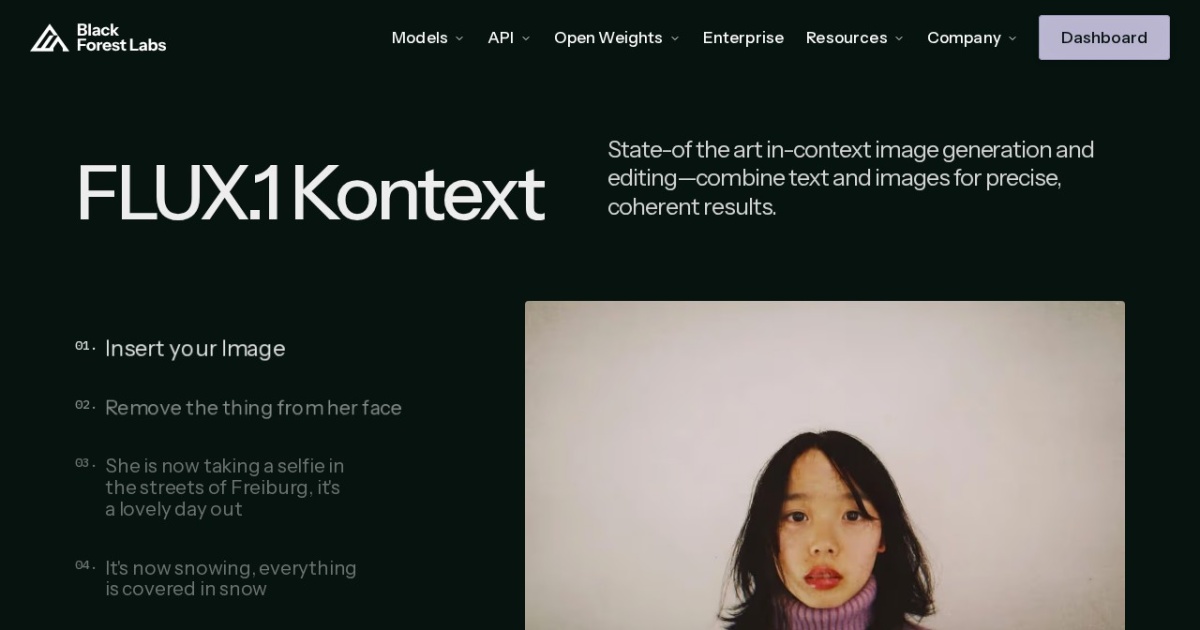
FLUX
FLUX family for quality-first generation, fast local variants, and modern in-context image editing workflows.
FLUX is listed as one model family page covering FLUX.1 base generation branches (`dev`, `schnell`) and the Kontext editing line (`pro`, `dev`). Use this page to choose between non-commercial high-quality generation, Apache-licensed fast local inference, and iterative in-context editing.
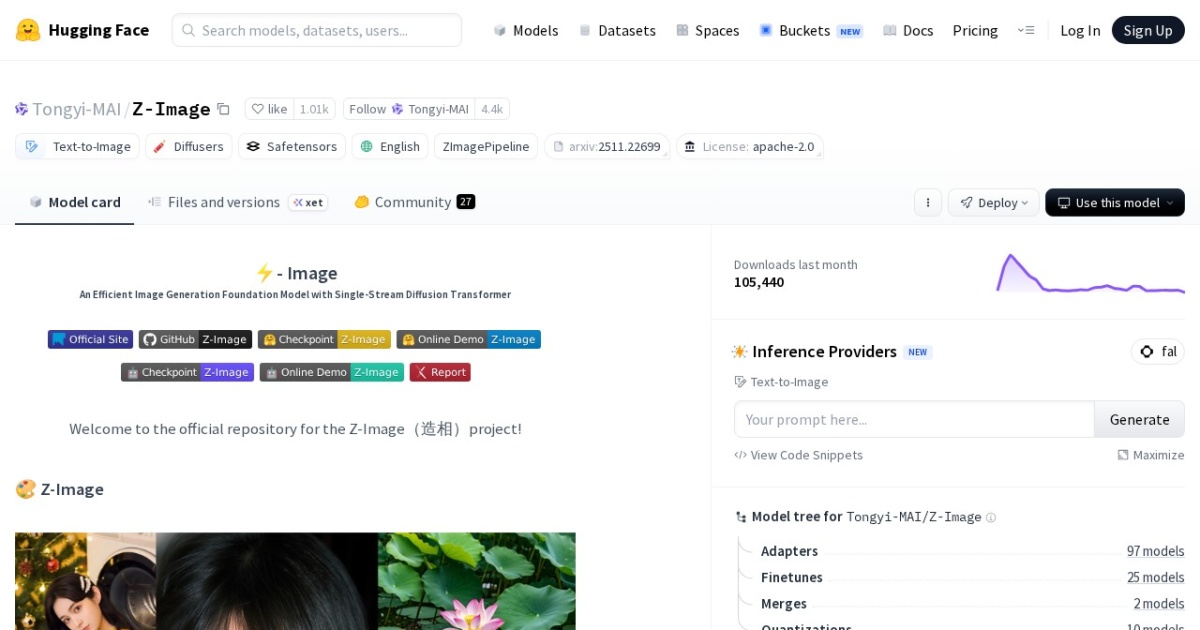
Z-Image
Z-Image text-to-image family for high-fidelity generation and fast iterative visual production.
Z-Image is listed as one model family page that covers the full-capacity base checkpoint and the Turbo distilled branch. Use this page to choose between higher controllability (base) and faster production latency (Turbo) for creator and solopreneur image workflows.
Side-by-side comparison
| Dimension | FLUX | Z-Image |
|---|---|---|
| Pricing model | Free | Free |
| Price range | Free open weights + paid hosted tiers | Free (open weights; compute costs apply) |
| API cost | Hosted API pricing is provider-dependent; local open-weight use has no mandatory vendor API fee. | No mandatory vendor API fee for local/self-hosted use; hosted inference APIs are provider-priced. |
| Subscription cost | No required subscription for local open-weight branches; hosted providers may offer paid tiers. | No required subscription for local open-weight use; hosted providers may offer paid plans. |
| Pros | • Strong family coverage from fast local generation to advanced iterative editing • Context-aware editing branch is practical for multi-turn visual workflows • Good ecosystem support in ComfyUI and Diffusers | • Clear family split between quality-first base and speed-first turbo • Strong practical fit for text-heavy thumbnail and poster generation • Open-weight deployment flexibility under Apache-2.0 terms |
| Cons | • License terms vary significantly across branches and must be checked per model • High-quality branches can require substantial VRAM for comfortable local runs • Prompt and workflow tuning still needed for stable brand-consistent output | • Large checkpoints still require careful VRAM planning for local use • Prompt quality and style control still need iterative tuning • Ecosystem integrations are newer than older Stable Diffusion stacks |
| Best for | • Thumbnail and visual concept generation • Fast style exploration for creator content • Repeatable image and video content workflows | • Thumbnail and visual concept generation • Fast style exploration for creator content • Repeatable image and video content workflows |
Key difference
FLUX's perspective: FLUX has a mature split between generation and in-context editing branches, while Z-Image emphasizes base+turbo generation efficiency.
When to pick each
Pick FLUX when
- Thumbnail and visual concept generation
- Fast style exploration for creator content
- Repeatable image and video content workflows
Pick Z-Image when
- Thumbnail and visual concept generation
- Fast style exploration for creator content
- Repeatable image and video content workflows