
BlipCut AI Video Translator alternatives
Batch video localization platform for translating videos with subtitles, voice cloning, and lip sync.
This BlipCut AI Video Translator alternatives guide compares pricing, strengths, tradeoffs, and related options.
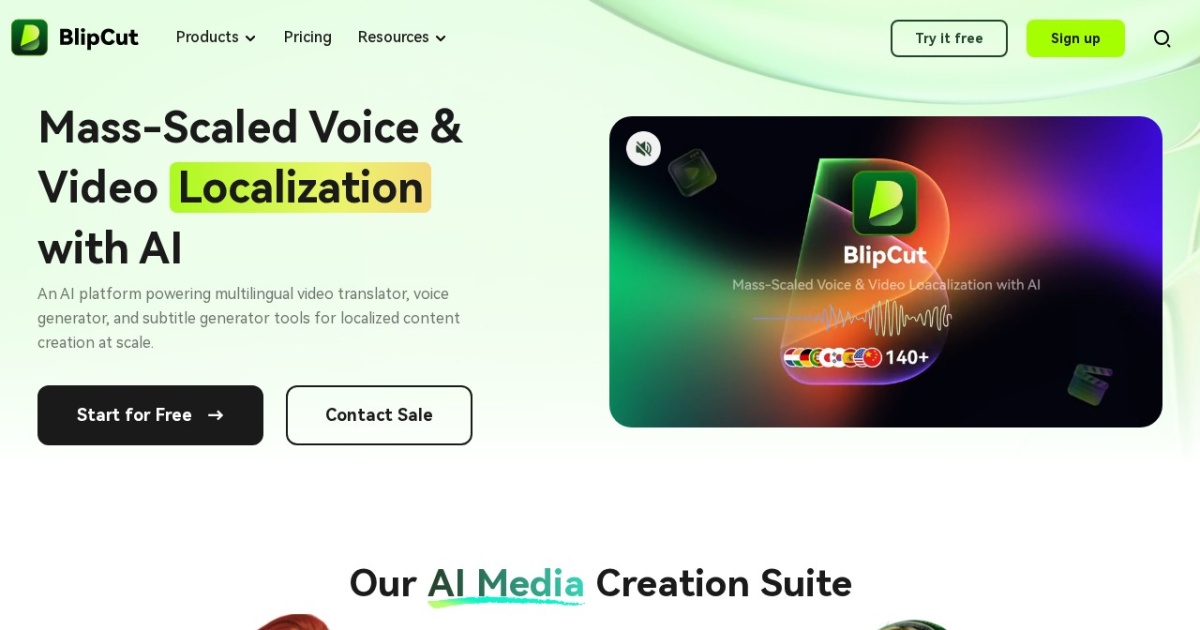
BlipCut AI Video Translator is included in this directory because it targets mass-scale video localization with 140+ languages, subtitle translation, voice cloning, batch processing, and a lip-sync feature for making translated voiceovers feel more native.
Official site: https://www.blipcut.com/
Company YouTube: https://www.youtube.com/channel/UCw1bFhL3EBEfKwZEhVgCm3g
At a glance
| Pricing model | Freemium |
|---|---|
| Page type | Product/service |
| Model source | Own models |
| Price range | Free start + paid localization plans |
| Best for | YouTube automation workflows, Creators translating social videos into multiple languages, Teams localizing existing talking-head videos |
| Categories | For Creators , For Solopreneurs , For Small Business , Free AI Tools |
TTS feature comparison
| Tool | Languages | Accents | Voice cloning | Voice changing | Local/offline | API access | Notes |
|---|---|---|---|---|---|---|---|
| BlipCut AI Video Translator | BlipCut positions video translation across 140+ languages. | Voice and accent options depend on the selected language, cloned voice, or built-in voice. | Yes | Partial | No | No | Stronger candidate for batch translation than for custom audio-track import until that workflow is verified. |
| Vozo AI | Video translation and dubbing support multiple languages; exact coverage depends on current Vozo support. | Voice and accent behavior depends on selected TTS, uploaded audio, or dubbing output. | Partial | Partial | No | Partial | Best when you need script editing, translated dubbing, and visual lip sync in one workflow. |
| Rask AI | Multilingual dubbing and translation workflow; exact language coverage depends on current Rask AI support. | Voice and accent options depend on selected dubbing language and voice. | Yes | Partial | No | Yes | Lip sync is applied after translation and dubbing rather than as a raw video-plus-audio utility. |
| VMEG | VMEG positions video localization across 170+ languages and regional accents. | Accent coverage depends on selected language and available voice options. | Yes | Partial | No | No | Best for teams that want translation, voice, subtitles, and lip sync in one hosted editor. |
| Akool Video Translation | Akool positions video translation for 155+ languages. | Voice and accent behavior depends on target language, selected voice, and cloned voice settings. | Yes | Partial | No | Yes | Good fit when you want both app workflow and API access for video translation. |
| Dubverse | Dubverse supports multilingual dubbing; exact language coverage depends on current plan and voice catalog. | Accent and voice behavior depends on selected dubbing language and voice. | Partial | Partial | No | No | LipSync is best applied after translation and timing edits are finalized. |
| Verbalate | Verbalate positions support for 230+ languages and 800+ language pairs. | Voice cloning is positioned across 29 languages and 50+ accents. | Yes | Partial | No | Yes | Strong fit for courses, creators, and companies that want published pricing plus optional human verification. |
| Captions Lipdub | Captions lists Lipdub support across major languages including English, Spanish, German, French, Hindi, Japanese, Korean, Portuguese, and more. | Accent behavior depends on the selected language and dubbing output. | Partial | Partial | No | Yes | Best for creators already editing in Captions or teams evaluating Enterprise lip-sync automation. |
Top alternatives
- Vozo AI : Talking-video localization platform for translating, dubbing, editing scripts, and applying lip sync.
- Rask AI : AI video localization platform with dubbing, translation, voiceover, and post-translation lip sync.
- VMEG : AI video localization platform for translating, dubbing, subtitling, voice cloning, and lip sync.
- Akool Video Translation : Akool's video localization workflow for translating videos with voice cloning, subtitles, and lip sync.
- Dubverse : AI video dubbing platform with translation, studio editing, and premium LipSync for dubbed videos.
- Verbalate : AI audiovisual translation platform with voice cloning, optional lip sync, multilingual avatars, and enterprise API access.
- Captions Lipdub : Captions lip-sync and dubbing workflow for translating videos with natural mouth and face movement.
Notes
BlipCut AI Video Translator is worth testing when the workload is many videos across many languages and the main question is batch throughput rather than a single premium dubbed export.
Comparison table
| Tool | Pricing | Page type | Model source | Price range | Pros | Cons |
|---|---|---|---|---|---|---|
| BlipCut AI Video Translator | Freemium | Product/service | Own models | Free start + paid localization plans | Batch processing fits large video localization backlogs; Combines subtitles, voice cloning, and lip sync | Custom replacement-audio import should be verified before committing; Cloud batch workflows require review for sensitive footage |
| Vozo AI | Freemium | Product/service | Own models | Free start + paid member modes | Combines translation, dubbing, script editing, and lip sync; Supports uploaded audio as well as text-to-speech inputs | Best results require visible mouths and clean source footage; Higher-quality modes are tied to paid membership |
| Rask AI | Subscription | Product/service | Own models | Subscription plans with usage minutes | End-to-end video localization workflow; Lip sync is connected to translated and dubbed video projects | Lip sync requires a dubbed project first; Face visibility and footage quality affect eligibility |
| VMEG | Freemium | Product/service | Own models | Free demo + paid localization plans | Broad language and localization feature set; Combines voice cloning, subtitles, transcription, and lip sync | API and enterprise details need confirmation; Hosted all-in-one workflow may be heavier than a simple API |
| Akool Video Translation | Freemium | Product/service | Own models | Free minutes + paid Akool plans | Dedicated video translation workflow with lip-sync option; API documentation exists for automation and product integration | Existing Akool suite can feel broad if you only need lip sync; Best results depend on clear face visibility and clean source audio |
| Dubverse | Credits | Product/service | Own models | Credit-based dubbing and LipSync usage | Established dubbing workflow with studio review; LipSync can be enabled during project creation or after editing | LipSync is a premium add-on rather than the whole product; Works best with clear single-person footage |
| Verbalate | Subscription | Product/service | Own models | $9-$49+/mo | Published entry-level pricing makes evaluation easier; Combines voice cloning, lip sync, multilingual audio tracks, and avatar workflows | API access is enterprise-only; Included minutes are limited on lower tiers |
| Captions Lipdub | Subscription | Product/service | Own models | Pro, Max, Scale, and Enterprise tiers | Creator-friendly Lipdub workflow inside the Captions ecosystem; Supports translated videos with natural mouth and face movement | API access is limited to Enterprise customers; Maximum API video length and credit use require planning |
Internal links
Related best pages
- Best AI Voiceover Tools
- Best AI Tools for YouTube Shorts
- Best AI Video Repurposing Tools
- Best AI Thumbnail Generators